Storage for your files and your applications
PineKeep is a Drive for the files you keep and share, and buckets with an S3 API for the applications you build. One account, stored in the EU.
Free during the beta, with a limited amount of space per account.
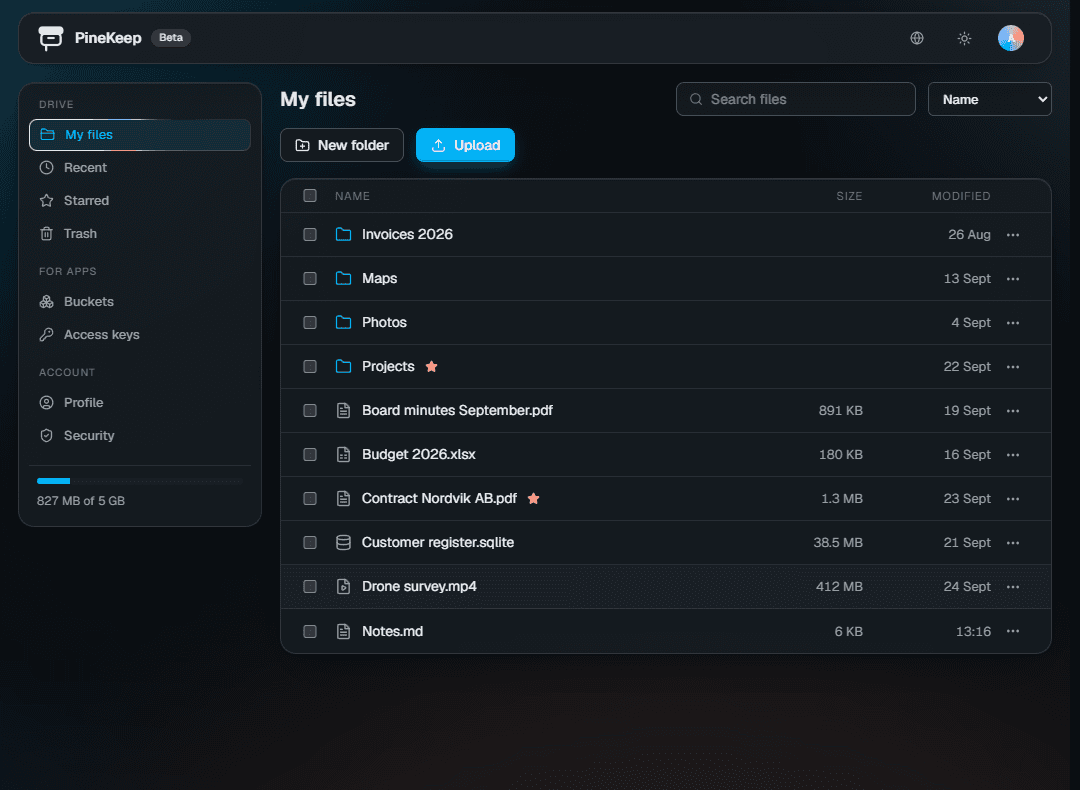
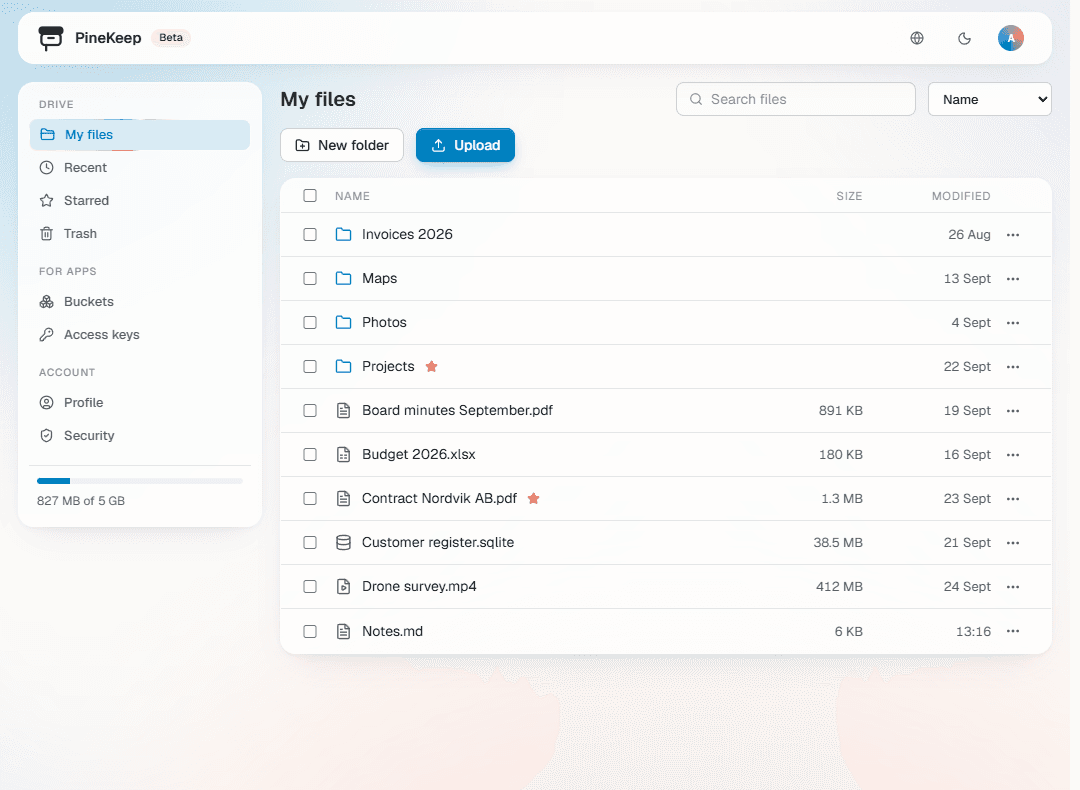
Drive, for your files
Upload large files from the browser, keep them in folders and send a link when someone needs them.
Large files
Files go up in pieces and continue where they stopped if the connection drops.
Share with a link
A link to a file or a whole folder, for a day, a week, a month or until you revoke it.
Versions
Uploading a file with the same name keeps the old one as a version you can go back to.
Trash
Deleted files stay in the trash for 30 days before they are gone.
Your mail's files
Attachments and files from each of your PineMail mailboxes are in Drive under Mail, and you can move files between them.
See before you download
Images, PDFs, video, audio and text open in the browser, with thumbnails in the grid.
Buckets, for your applications
An S3-compatible API, so the tools you already use work without changes.
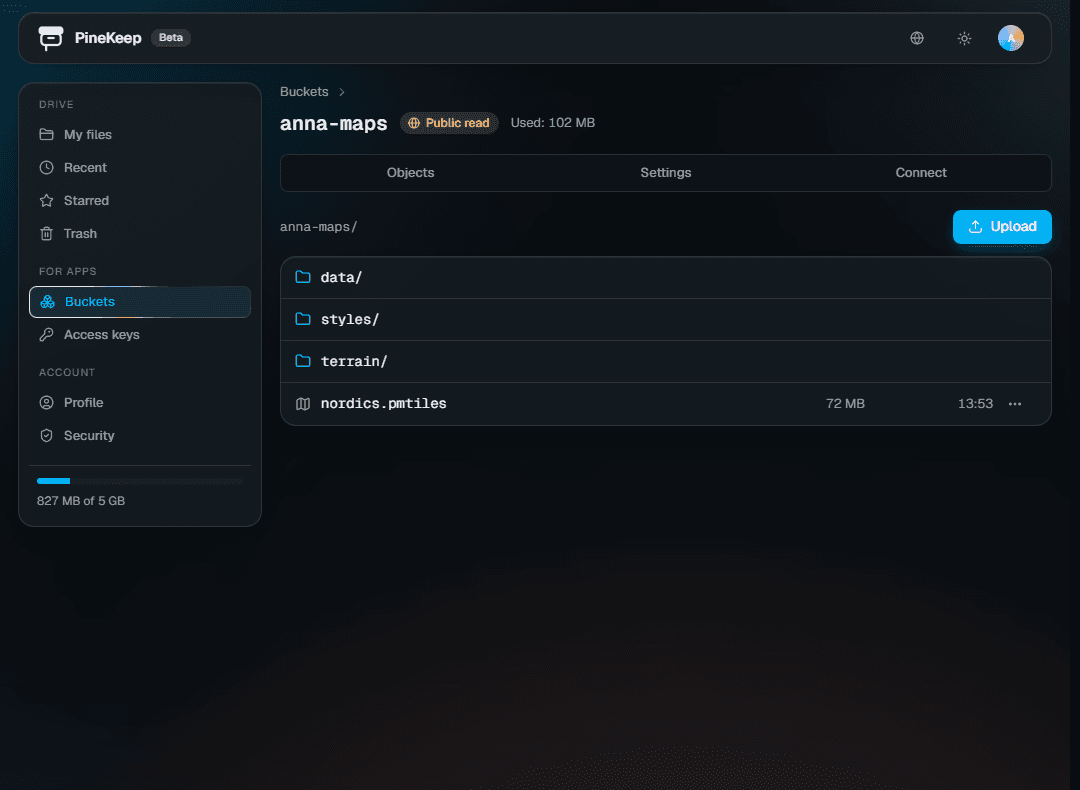
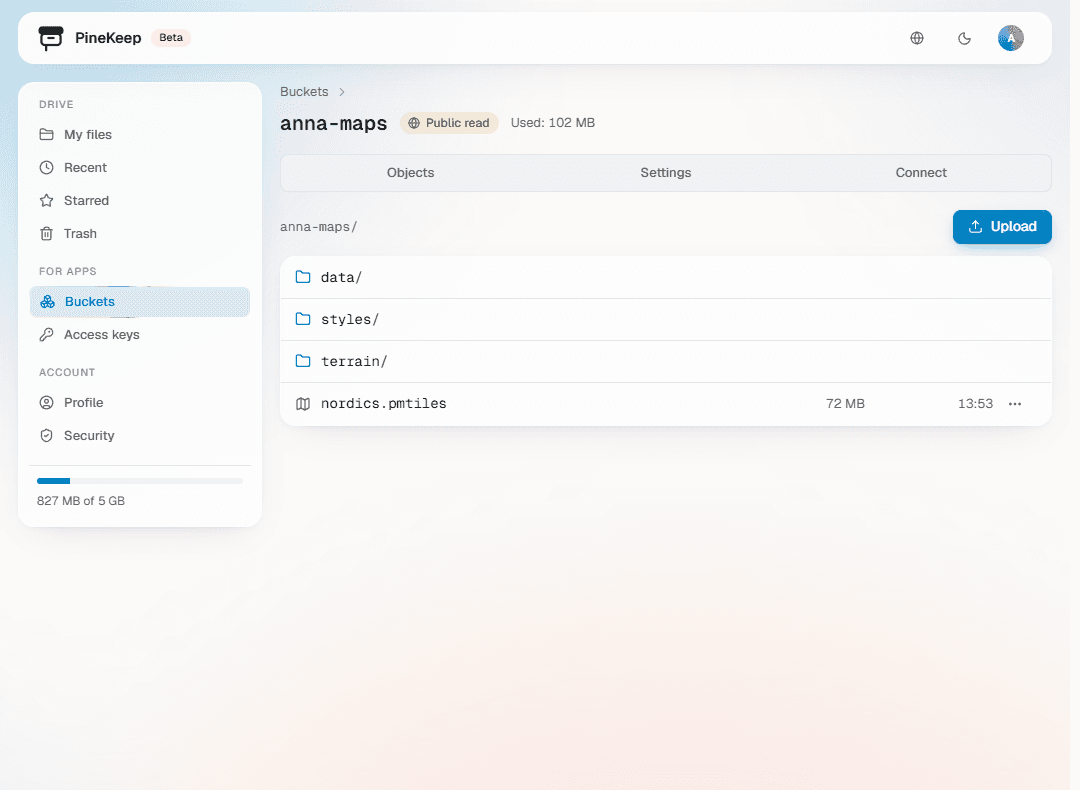
Ranges
Read any part of a file without fetching the rest: maps, video, Parquet and databases.
Multipart
Upload very large objects in parts, in parallel, and retry only what failed.
Conditional writes
If-Match and If-None-Match, for applications that must not overwrite each other.
Keys per application
An S3 key reaches only the buckets you choose, read-only or read and write. It works with objects; buckets are created in the app or with an API key.
Public buckets
Serve map tiles or images to a website, with CORS for the origins you name.
Protection against deletion
Turn it on for a bucket and every deleted or replaced object is kept as a version for the days you choose. No key can remove it before then, so a stolen key cannot destroy your backups.
An API for the rest
Create buckets, set protection and CORS, make S3 keys and reach Drive with PineMail's API and an API key from Buckets → Access keys.
Where your data is
Where it is stored
The contents of your files are stored encrypted on our own server in Sweden. The keys, file names and folders are on our server at Hetzner in Helsinki, Finland.
Encrypted at rest
Drive files are encrypted by the app with a key per file. Bucket objects are encrypted by the store with a key that is not kept on its disks.
Never trains AI
Your files are not used to train AI models, and are not sold or handed to anyone who does.
What the beta is
PineKeep is new. During the beta:
- It is free, and not for sale yet.
- Each account has a limited amount of space, 5 GB unless we agree on more.
- We approve each account. Ask for a place and you hear in the bell when you have one.
- Keep your own copy of anything you cannot lose.
Already on PineMail?
PineKeep and PineMail are one account with one storage. Your mail's files are already in Drive under Mail; sign in and join the beta from your account. About PineMail